Two families, not six acronyms
OLED vs QLED is the first fork in every TV purchase. This page settles OLED vs QLED with manufacturer data, not brochures: see gaming TV guide and projector vs 100-inch TV. We say OLED vs QLED up front because it decides everything downstream.
Open the catalog and you find six names for three technologies. QLED, Neo QLED, Mini-LED, OLED, QD-OLED, MLA: marketing sells differences, manufacturer manuals tell a different story.
The enthusiast answer is simple: there are two families, not six. Panels with a separate light source (all LED, QLED, Mini-LED) and self-lit pixel panels (OLED and QD-OLED). Everything else is execution.
This guide tells you which family wins in YOUR room, with real numbers on brightness, viewing angles and burn-in — including the warranty clauses nobody reads.
The three panels, explained the way they should be
“Traditional” LED: the LCD panel
An LCD panel does not produce light: it filters it. Behind the liquid crystals there is an LED backlight that lights up zones or edges of the screen.
It is a mature, affordable technology, perfect in its segment, but with a physical limit: when the frame is black, the backlight is still on somewhere.
Hence the “dirty” dark gray in starry nights and the imperfect black. On edge-lit models (LEDs from the border) add blooming: the light halo around bright objects on a dark background.
QLED: still LCD, but with quantum dots
Here precision is needed, because this is where marketing confuses the most. QLED is not a new panel technology: it is an LED LCD that adds a quantum dot layer — nanocrystals that, struck by light, reconvert it into extremely pure colors.
Samsung, which published the product teardown layer by layer, states it without beating around the bush: QLED is a “Quantum Dot LED TV”, an LCD with backlighting and a QD layer in between.
The gain is real — higher peak brightness and color volume — but black remains the LCD’s, because the light source is separate from the image.
When you hear “QLED vs OLED”, you are actually hearing “well-dressed LCD versus self-lit pixels”.
OLED (and QD-OLED): light where needed, to the millimeter
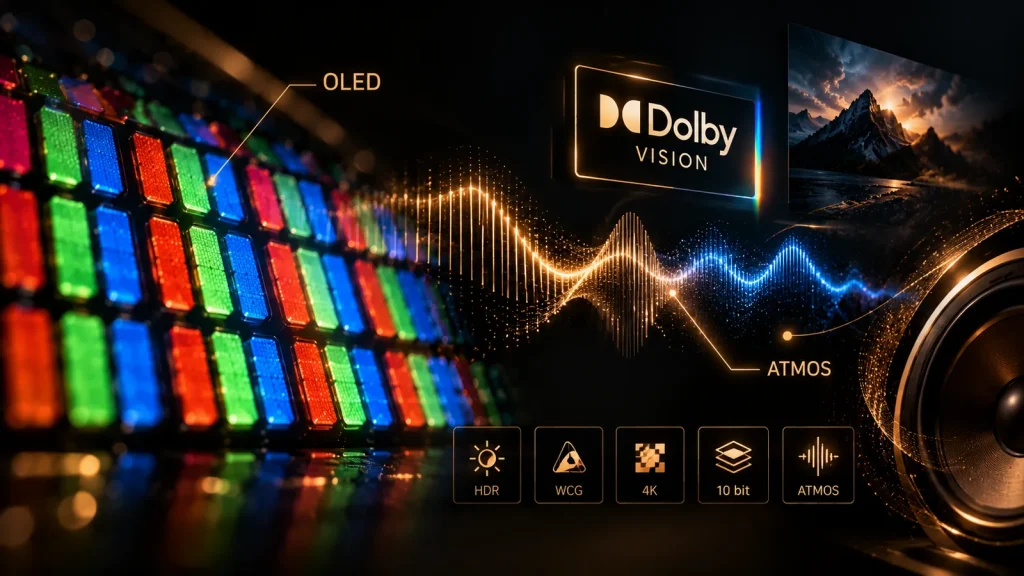
In an OLED every pixel is an independent tiny organic emitter: when the frame asks for black, the pixel truly turns off. Absolute blacks, wide viewing angles without color washout, instant response times.
QD-OLED is the hybrid variant: blue emitter + quantum dot layer as color filter. Same self-lit principle, more color volume.
The cost has two names. First: lower peak brightness on large surfaces than top-tier LCDs, because driving every pixel at full power would accelerate aging. Second: image residue, aka the feared burn-in.
Burn-in: the facts (warranties in hand)
Let’s talk enthusiast to enthusiast, no fan clubs. The degradation of organic materials is uneven: if logos, gaming HUDs or channel bars stay on the same pixel for hours, that pixel ages sooner. The phenomenon is real, documented, never denied by any manufacturer.
Here is what the official documents say, and it makes more noise than the forums. LG’s standard warranty does not explicitly cover burn-in: it is considered use, not a defect.
LG Italy, however, offers a 5-year conventional warranty on the OLED panel for high-end series (the G and Z ranges), active without registration.
Translated into purchase choice: the budget OLED left eight hours a day on news and fixed logos is a gamble.
The picture is different in a cinema room: a high-end evo panel projecting a whole film, no fixed logos, with the panel running its own maintenance cycles on its own, is in its natural habitat.
If instead the TV stays on for hours over news and channels, the LCD panel is the obvious choice: no worries.
By environment: the room rules the technology
The right panel depends on how much light you have in your face, not on the budget.
| Your room | Sensible technology | Why |
|---|---|---|
| Dark dedicated room | OLED / QD-OLED | Absolute black performs at its best; the lower peak is not missed in the dark |
| Living room with controlled light | OLED or top Mini-LED | Both work; decide by contrast and viewing angle |
| Very bright living room, TV facing the window | High-peak Mini-LED / QLED | You need brightness above reflections, not perfect blacks |
| TV always on (news, background) | LCD (QLED/Mini-LED) | Zero burn-in risk with static images for hours |
| Very lateral seats (>40°) | OLED | Viewing angles without color washout |
The test to do in the store, distrustful of demos running in crazed “shop mode”: ask for a night scene with small bright elements (string lights, end credits). There the LCD with mediocre local dimming shows its weaknesses; the OLED doesn’t.
By budget: where to put the money
Entry tier (under 600 EUR for a 55-inch): this is where LCD lives, with or without quantum dots. A good entry QLED beats a five-year-old OLED on brightness, but in dark scenes you can see where the price came from. Conclusion at this level: buy the biggest that fits the room, because size beats acronym.
Mid tier (700-1,300 EUR): the real choice. On one side Mini-LED with hundreds of dimming zones, on the other entry-range OLED. At equal inches: OLED wins on contrast, motion and angles; Mini-LED on HDR peak and total absence of burn-in anxiety.
High end (over 1,500 EUR): OLED evo / QD-OLED versus flagship Mini-LED. The distance is decided courtside: Mini-LED fires 2,000-3,000 nits in HDR on small windows and shows halos around small elements in a dark room; OLED has no halos because it has no zones.
There is an installer’s rule worth more than any review: at equal price, a few more inches in an average room impress more than the next panel tier up.
Geometry first (THX: 36° viewing angle — calculate the right inches in our tools), then technology.
The spec-sheet items that deserve your attention
Three line items actually count; the rest is noise.
- Native 100/120 Hz and motion handling: entry panels are 50/60 Hz with coarse interpolation; on sports and scrolling text you see it all. If you watch football or Formula 1, demand a native 100/120 Hz panel.
- Input lag and full HDMI 2.1 (VRR, ALLM): only if you game. VRR (Variable Refresh Rate) removes console tearing; ALLM switches game mode by itself.
- Local dimming management: “full array” does not mean “well”: what counts is grid extent and algorithm quality, not the number waved on the spec sheet.
All the other superlatives in the catalog — processor names, “pro” of every kind — are digital processing: they poorly fix a mediocre panel and sometimes ruin a good picture.
The Filmmaker mode — or, where it doesn’t exist, the “Expert” mode with motion smoothing off — is almost always the most faithful: use it and disable the rest.
It will cost you a few extra clicks per streaming app, but it will give you the picture closest to the one intended by whoever shot the scene.
Size, curvature, wall mount: the last three hesitations
Curved or flat? Real curves serve one purpose only: recovering perceived contrast on enormous diagonals at close distance, which is the pushed big-screen territory. On a 55-77 inch living room TV the curve splits the family: whoever sits off-axis sees a different gray than you do. Curved panels are now a market niche: if you don’t look for them, you won’t find them.
Wall or cabinet? It sounds like a detail, but mounting height changes the viewing angle and therefore your enjoyment of the chosen technology. The screen center, seated, should sit at or slightly below eye level. Hanging the TV high above a shelf — very popular in interior design magazines — throws away the advantages of any panel, OLED included, because you end up looking at the image from below.
How close to real black do you want to live? If your thing is evening films in low light, the difference between a mediocre local-dimming LCD and an OLED is visible to the naked eye, no instruments needed: they are the end credits on black, the starry nights, the dim rooms. If your thing is afternoon football with the blinds up, that same difference is worth many fewer euros.
Frequently asked questions
Is QLED better than OLED? They are different technologies: QLED wins on brightness in very bright rooms and zero burn-in risk; OLED on blacks, viewing angles and motion. The right question is “how much light is in my room?”.
Is OLED wasted in a bright living room? Not wasted: in those conditions its main advantage — black — shows less, and reflections penalize everyone. But if in the evening you watch films with the blinds down, OLED performs beautifully.
How long does a modern OLED really last? Manufacturers declare tens of thousands of hours and offer 5-year extended panel warranties on high-end series in Italy; burn-in remains excluded from the standard warranty because it counts as use. Common sense (pixel shift, pauses, no fixed logos 10 hours a day) is enough.
Mini-LED or QLED? Mini-LED is a QLED/LCD with very tiny backlights and many zones: better local dimming, higher cost. If the QLED is a “full array with many zones”, the difference in real viewing narrows.
Should I wait for the next price list? Panel prices fall slowly, but whoever postpones “one year” usually buys the same model at a similar price. Buy when the right diagonal and technology for your room are on sale.
Sources
- Samsung — LED vs OLED vs QLED (official definition: QLED = LCD + quantum dot layer)
- Samsung Newsroom — QLED teardown: QD layer and LED backlight
- LG Italy — 5-year conventional warranty on OLED panels (G and Z series)
- LG Italy — OLED panel durability note
- BGR — Does LG’s TV Warranty Cover OLED Burn-In? It’s Complicated
Gear and further reading
- 4K streaming stick with Wi-Fi 6
- 4K HDR streaming stick
- Certified 2 meter HDMI 2.1 cable
- Certified 3 meter HDMI 2.1 cable
- Full-motion wall TV mount
- Articulated TV bracket for corners and fireplaces
- Flagship 9.1.4 soundbar
- 7.2-channel AV receiver with Atmos and DTS:X
- Wireless subwoofer
- Universal remote for home cinema systems
Note: Some links on this site are affiliate links: if you buy through them we may earn a commission at no extra cost to you. Affiliate links are marked and never influence our recommendations.